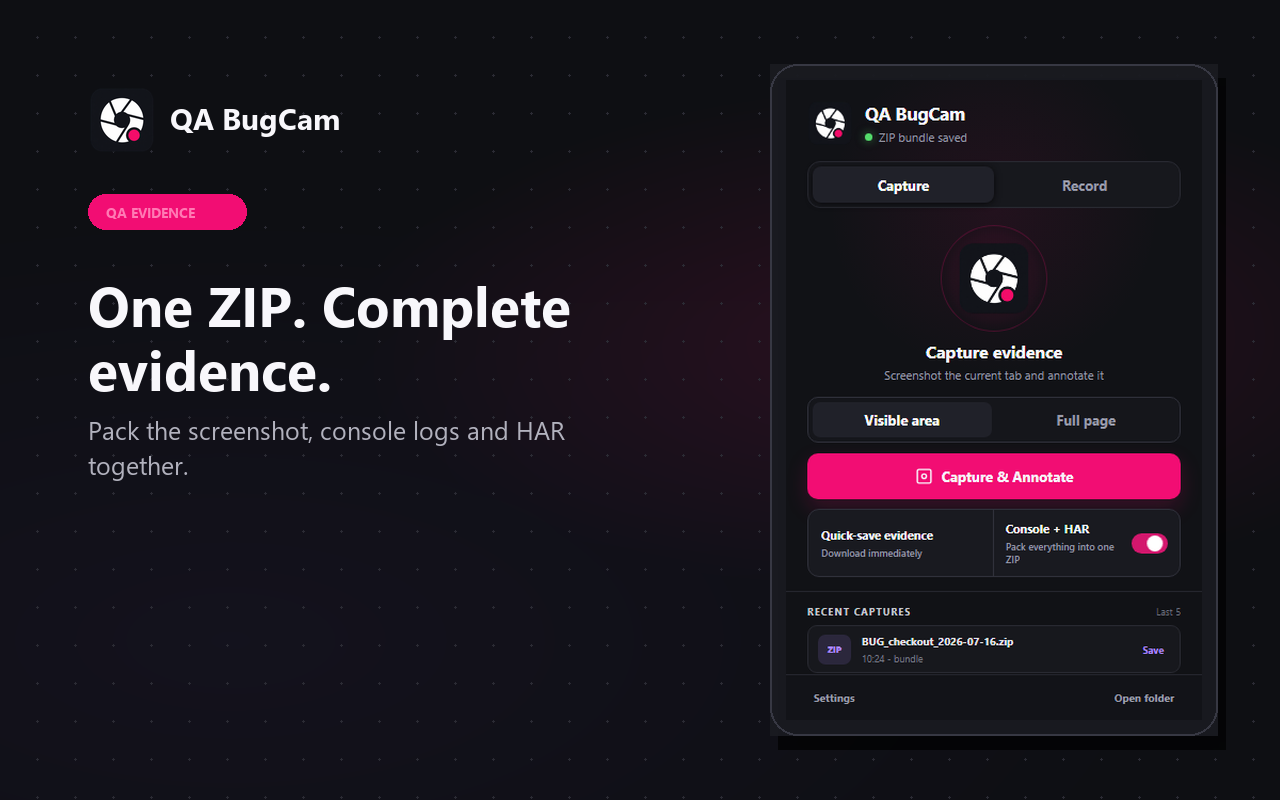
Screenshots with annotation
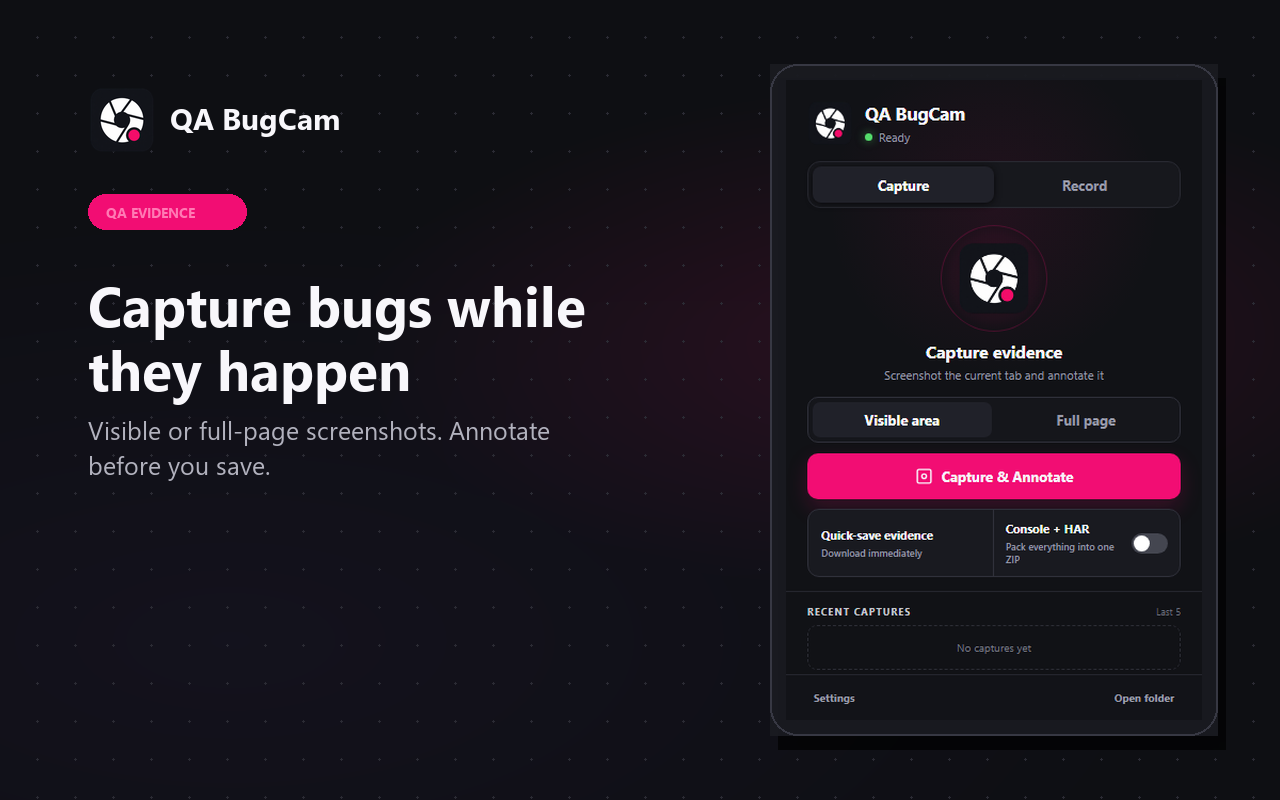
Capture the visible area or the full page, annotate the result and save evidence without leaving the browser flow.
 SNAKEZS.R.O
Chrome Store
SNAKEZS.R.O
Chrome Store

QA evidence Chrome extension
Capture visible-area or full-page screenshots, record the active tab, annotate evidence and package console logs with network resource metadata when you need a cleaner bug report.
Evidence workflow
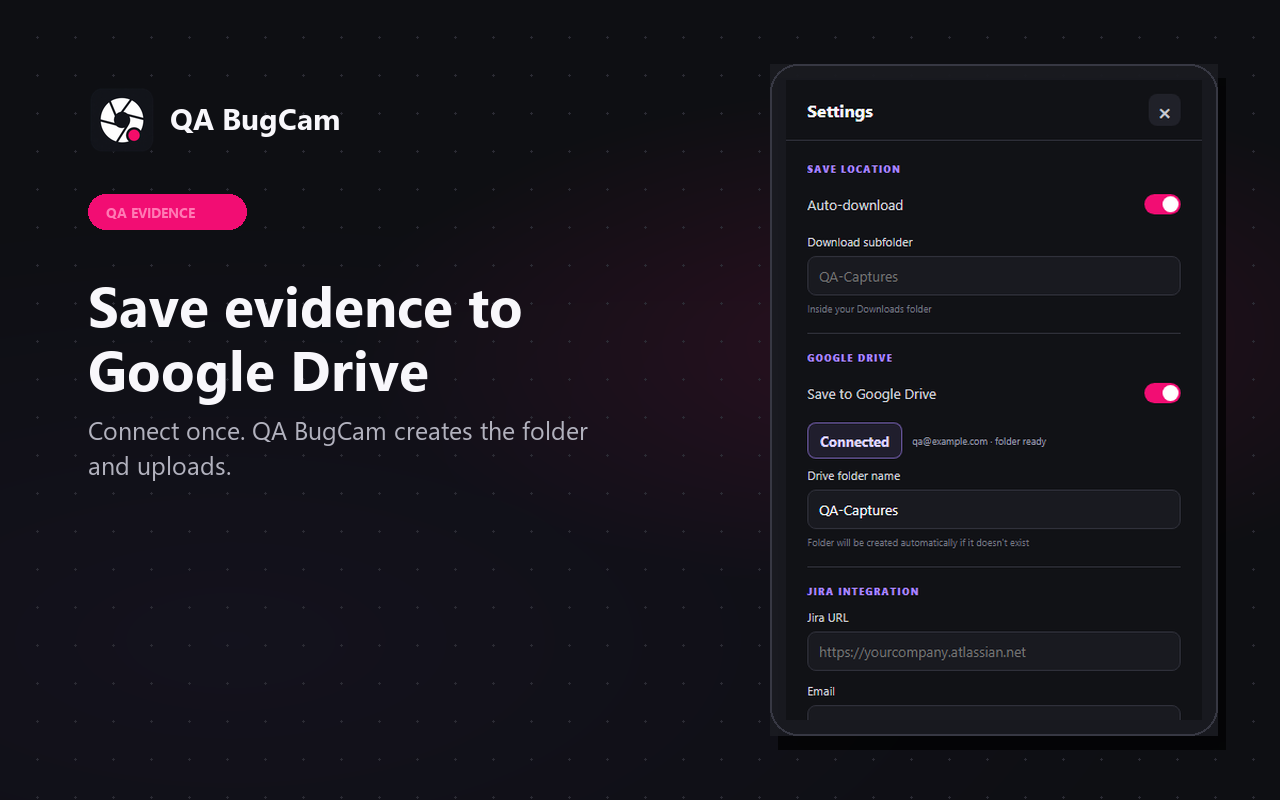
QA BugCam keeps normal captures local by default. Optional exports go directly to the user's own Google Drive or configured Jira Cloud site.
Capture the visible area or the full page, annotate the result and save evidence without leaving the browser flow.
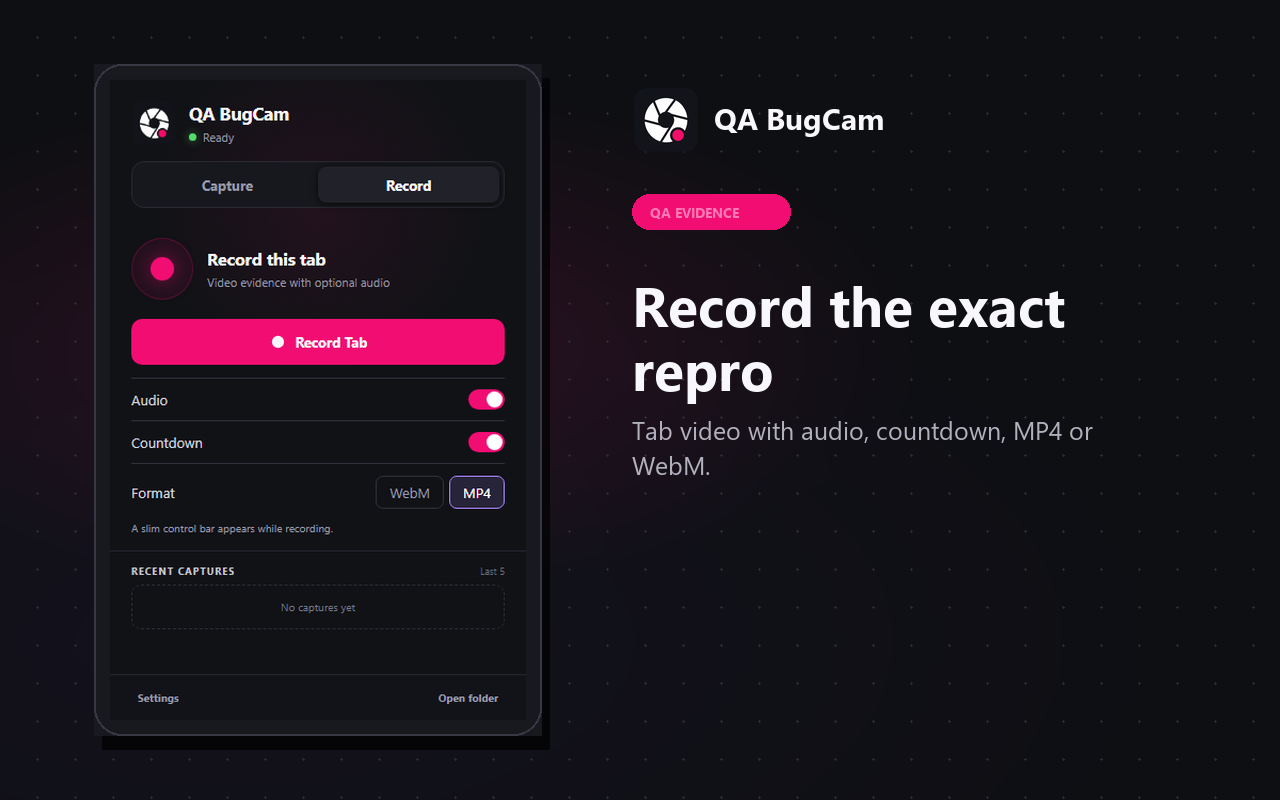
Record the selected tab with optional audio, countdown and MP4 or WebM format control.
Package screenshot evidence together with optional console messages and network resource metadata in one ZIP file.
When enabled by the user, send evidence over HTTPS directly to Google Drive or to the user's configured Jira Cloud site.
Product screens
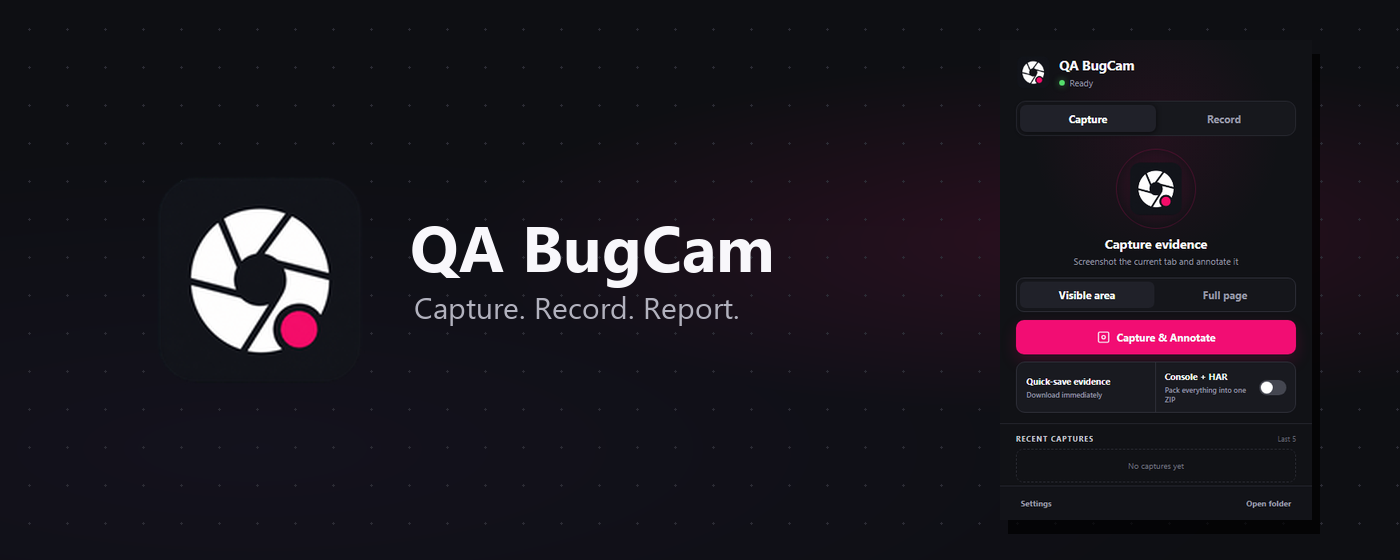
The screenshots below are the Chrome Web Store assets for the QA BugCam rebrand.